

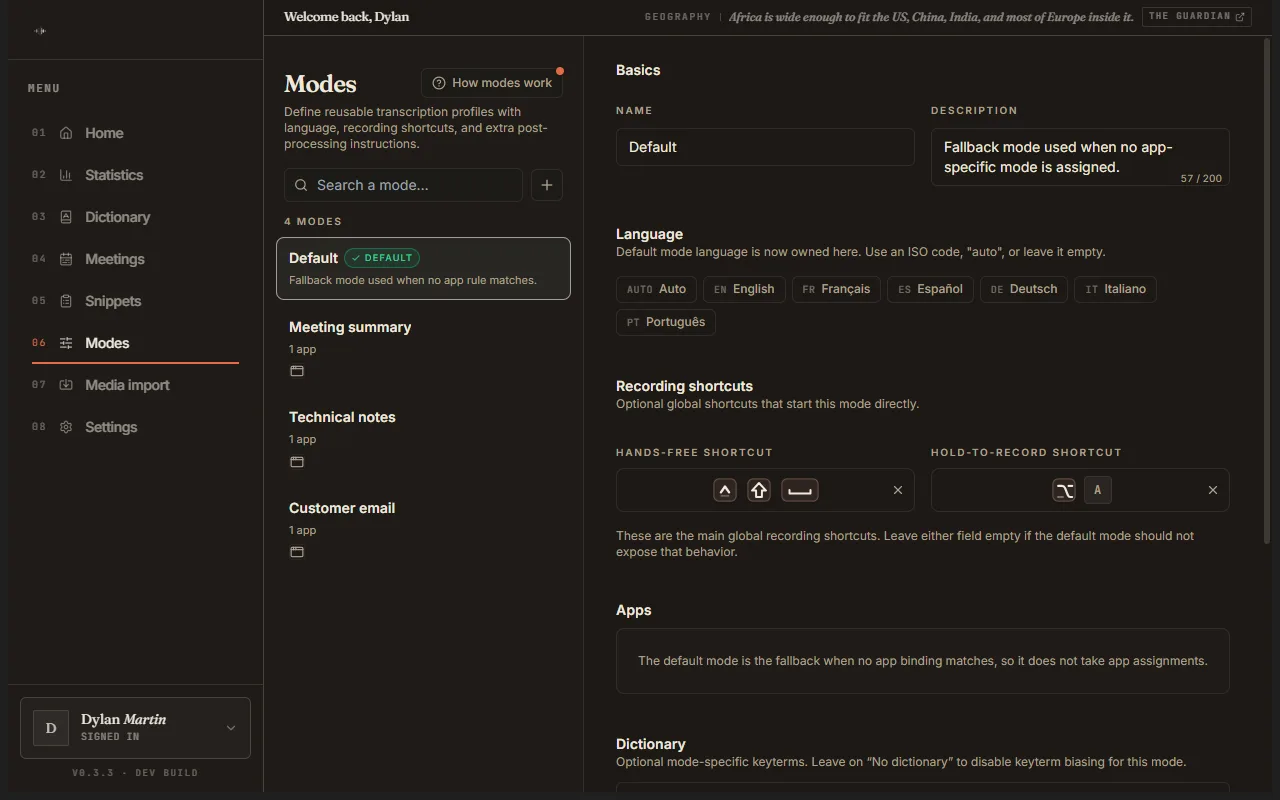
It adapts to the app
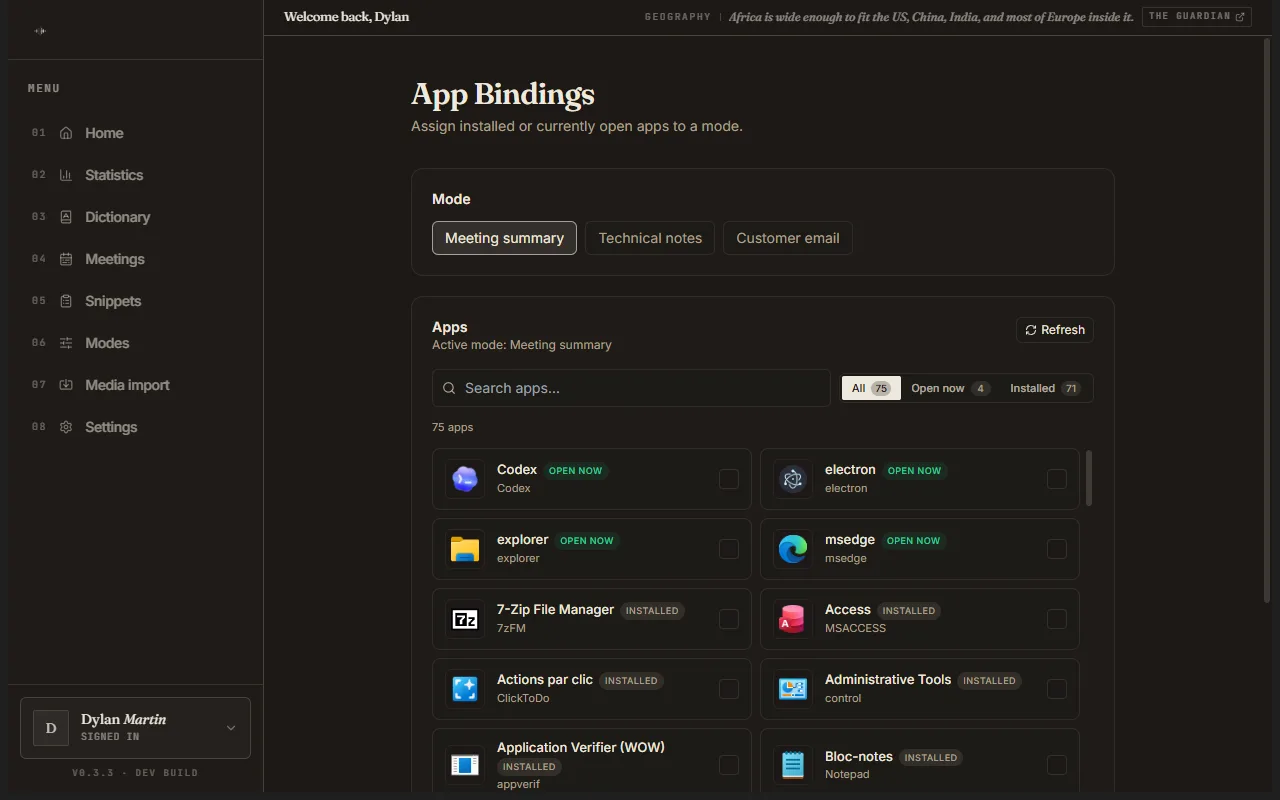
Language, vocabulary and style to match the app you’re in.
Brassens turns your voice into clean, ready-to-use text — AI dictation, speech-to-text, and voice typing in any app. You talk; it writes it properly, gets your words right, and learns how you speak.
You speak about three times faster than you type — and your hands stay free.
No plugins, no copy-paste: the text appears right where your cursor is. Email, chat, code, terminal, anywhere.
On desktop, switch to local mode: everything is transcribed on your machine and nothing goes over the network. Otherwise one switch decides whether what you dictate stays yours alone.
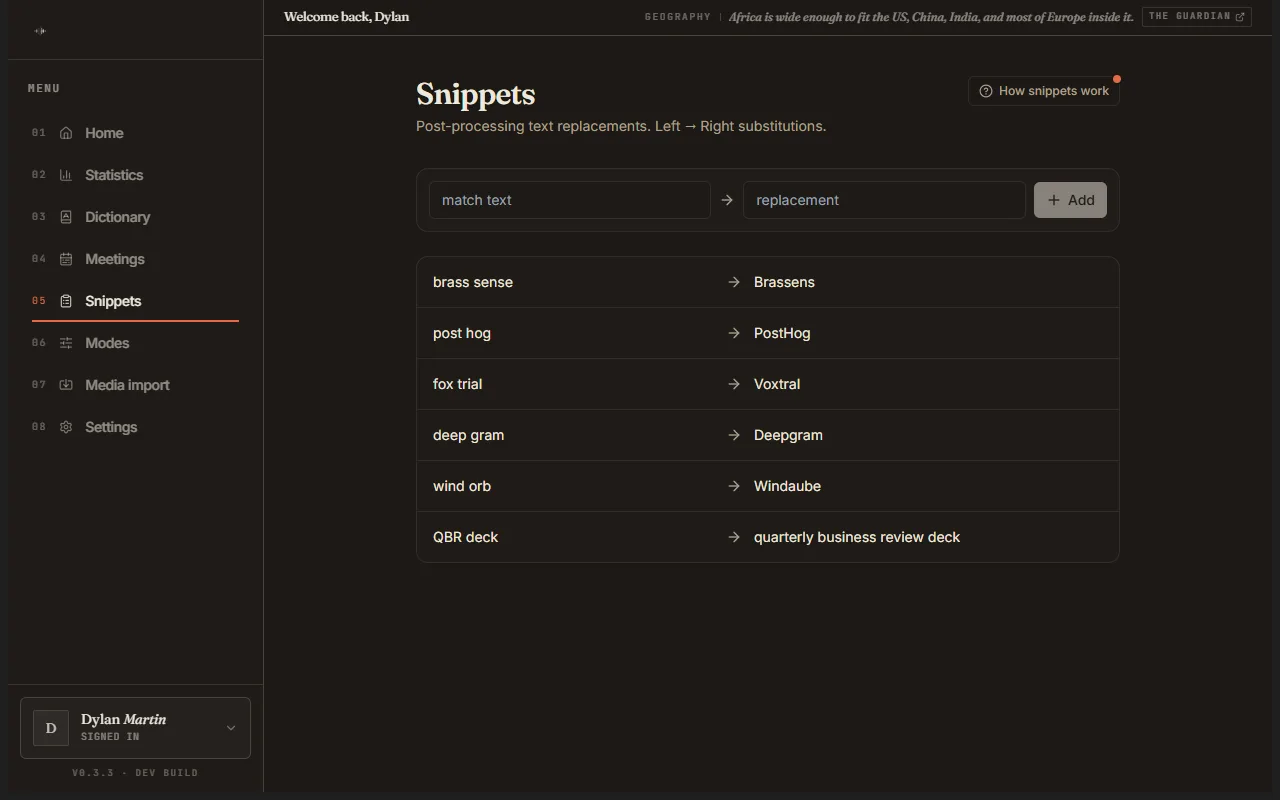
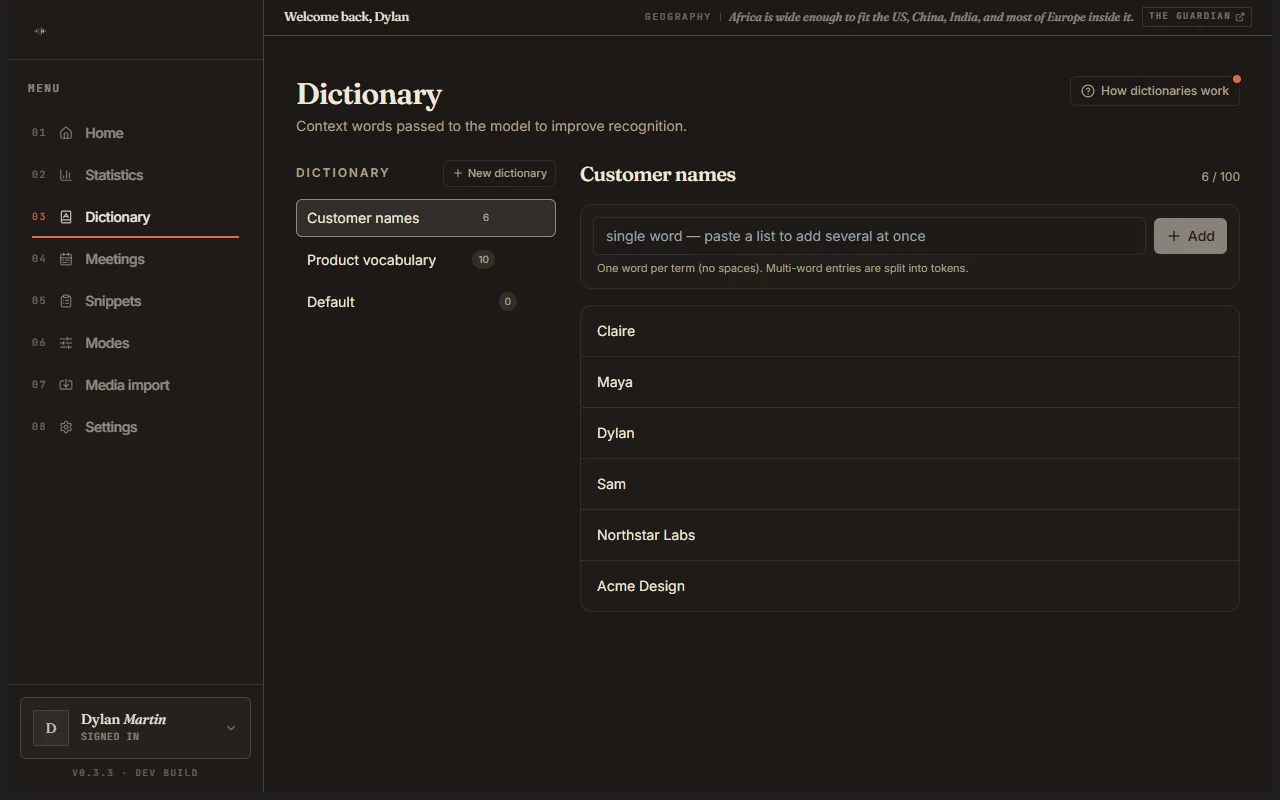
Your proper nouns, your jargon, your acronyms: Brassens spells them right. Add a term to your dictionary and it comes out correct, in every app. Snippets do the reverse: one trigger word, a whole sentence written for you.
Pick the call apps and meeting sites to watch. When a call starts, Brassens records and transcribes it on its own — nothing to launch, nothing to remember. At the end you get a transcript that tells the speakers apart and shows how long each one spoke, and it can be written straight into your notes folder.
On Windows, macOS and Linux you can switch to local mode: Brassens downloads a model matched to your machine’s power and transcribes right on your device, no network involved. The rest of the time, one switch decides whether what you dictate can be useful to us or stays yours alone — and one action erases everything, on the device and in your account.
Don’t take our word for it — try it yourself.
As you type, Brassens shows the rest of your sentence in grey, right after the cursor. If that’s what you were about to write, Tab accepts it. If not, keep typing and it disappears. The model can run entirely on your machine, so the suggestion arrives without your text going anywhere.
Tell it once how your manager’s name is spelled, what your project is called, or that you prefer bullets to long paragraphs. Brassens uses that when it writes up what you dictate. It also spots things worth remembering in your dictations and your corrections and offers them to you: nothing is kept without your say-so.
You talk the way people talk: hesitations, restarts, sentences that change course. Brassens hands back text that is punctuated and broken into paragraphs, ready to send. And you can steer it out loud while you dictate: say “new paragraph” and it breaks the line, say “scratch that” and it drops what you just said. If the words are clearly part of your sentence, they stay as text.
Dictate on Android in one tap — from a floating pill or the Quick Settings tile. Your modes, your dictionary and your history follow you from the desktop. iOS is coming.
A second way of talking to your computer: instead of writing text, you ask for something to happen — open an app, find something, chain a few steps together. Every run is logged step by step so you can read back what it did. It is still a preview for testers, and we would rather say it plainly: it still gets things wrong. It ships when we are proud of it.
Language, vocabulary and style to match the app you’re in.
On desktop, each app can have its own mode, picked automatically.
A trigger word becomes a whole phrase.
Hold the key down, or start and stop with nothing held.
The latest ones sit on the home screen: replay, copy, pick up where you left off.
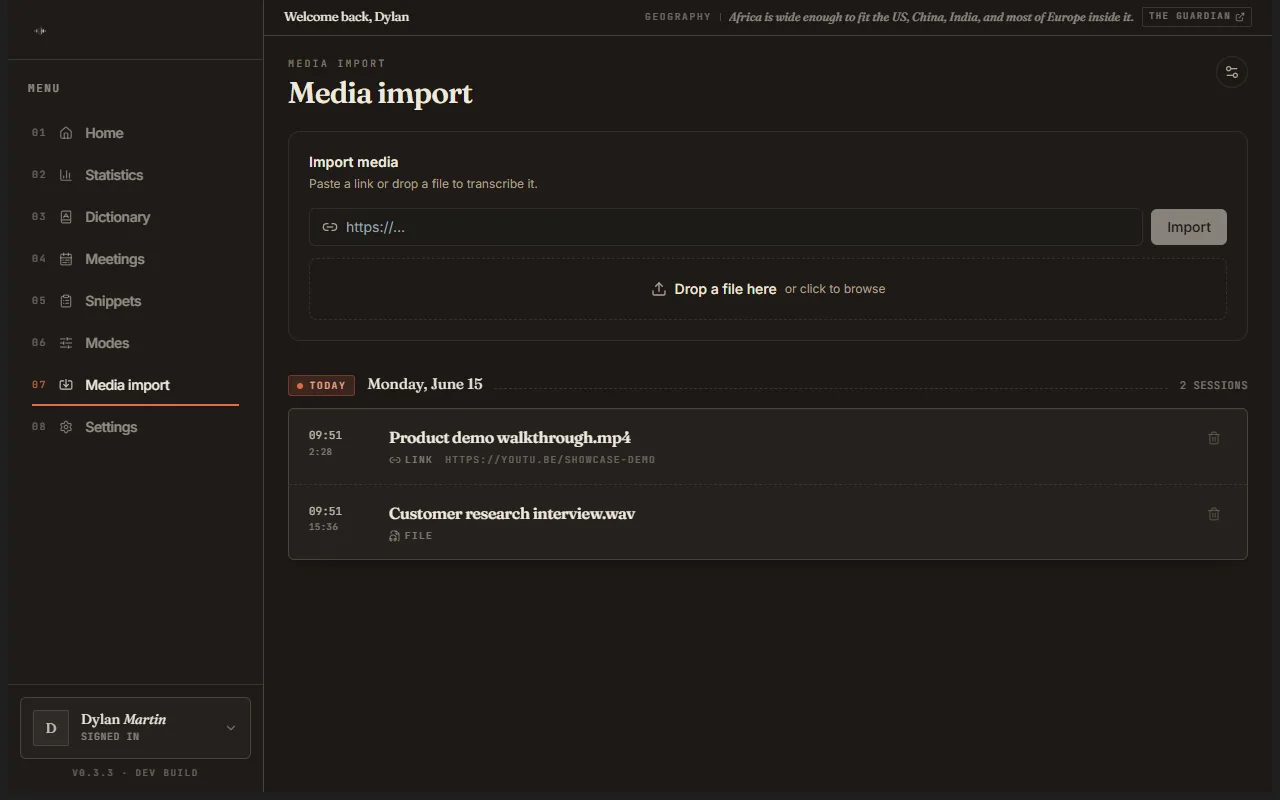
In beta: drop in an audio file, a video or a link, get the text back.
In beta: every passage timestamped, so you can find the moment in the recording.
In beta, on Windows: every recorded meeting, with its length and its transcript.